
White balance explained: why your photos look orange or blue
Your eyes correct the colour of light without asking. Your camera needs telling. Here is how white balance and the kelvin scale work, and how to use them on purpose.
At dinner the tablecloth looked white. On your screen it is the colour of weak tea, and everyone at the table seems to have spent a fortnight in the sun. Nothing is wrong with your camera. Your eyes simply did something it could not: they quietly corrected for the warm light of the restaurant's globes and told you the cloth was white.
That correction is called white balance. Understanding it takes about ten minutes, and it fixes one of the most common complaints beginners have: photos that come out orange indoors, blue in the shade, or faintly green under office lights.
What is white balance?
Light is not one colour. Candlelight and household globes are warm and orange. Midday sun is roughly neutral. The light in open shade on a clear day, lit mostly by blue sky, is distinctly cool. Your brain adapts to all of these so constantly that you rarely notice.

A camera sensor records the light as it is. White balance is the adjustment that tells the camera what colour the light was, so it can shift the image back towards neutral. Get it right and white objects look white, skin looks like skin and greys stay grey. Get it wrong and the whole frame carries a colour cast.
Most cameras and phones default to auto white balance (AWB), and modern AWB is good in ordinary daylight. It struggles with strongly coloured light, scenes dominated by one colour, and anything lit by more than one type of source.
Kelvin white balance and colour temperature
Colour temperature is measured in kelvin (K). Lower numbers describe warmer, oranger light; higher numbers describe cooler, bluer light. The figures below are typical approximations, and real light varies.
| Light source | Approximate colour temperature |
|---|---|
| Candle flame | 1,800–2,000K |
| Warm household globes | 2,700–3,200K |
| Sunrise and sunset | 3,000–4,000K |
| Midday sun, electronic flash | 5,000–5,600K |
| Overcast sky | 6,000–7,000K |
| Open shade on a clear day | 7,000–8,000K and above |
Here is the part that confuses nearly everyone. When you dial a kelvin value into your camera, you are telling it the colour of the light, and it compensates in the opposite direction. Set 3,200K and the camera assumes warm light, so it adds blue. Set 7,500K and it assumes cool light, so it adds warmth. That is why lowering the number makes your picture bluer.
Most cameras also have a second axis, called tint, running from green to magenta. It matters most under fluorescent tubes and cheaper LED lighting, which can leave skin looking slightly sickly or green.
White balance is a decision about what the picture should feel like, not only a correction.
Why are my photos orange or blue?
Orange photos almost always mean warm artificial light that AWB has not fully neutralised. Many cameras deliberately leave some warmth under tungsten light because a fully corrected room can look clinical. If you want it cleaner, choose the tungsten (light bulb) preset or set roughly 3,000–3,200K.
Blue photos usually come from shade, overcast days, snow or the blue hour after sunset. A subject standing under a verandah on a sunny day is lit by the sky, not the sun, and will turn cool. Use the shade or cloudy preset, or set 6,500–7,500K.
Mixed light is the hardest case: a window on one side of a face and a warm lamp on the other, or a laneway lit by sodium, LED and neon at once. No single white balance can make everything neutral. Choose the light that falls on your subject's face and balance for that, or switch off one of the sources if you can.
White balance presets and custom white balance
Every camera has presets, usually shown as small icons: daylight (sun), cloudy, shade, tungsten, fluorescent and flash. They are fixed kelvin values under a friendlier name, and they are consistent, which AWB is not. Shoot a series in changing light on AWB and the colour can drift from frame to frame. On a preset, it stays put.
For accurate colour, such as product photos or artwork, use custom white balance. Photograph a neutral grey card or a plain white sheet of paper filling the frame, in the same light as your subject, then select that frame in the custom white balance menu. The camera measures the cast and cancels it. The exact menu name varies by brand, so check your manual.
Fixing white balance in raw and JPEG
If you shoot JPEG, the camera applies white balance permanently when it processes the file. You can still adjust it in editing, but large corrections degrade the colour and can leave odd tints in the shadows.
A raw file stores the sensor data with the white balance saved as an instruction rather than baked in. In Lightroom or any raw editor you can change it later with no loss of quality, using the temperature and tint sliders or the eyedropper tool on something that should be neutral. This is one of the strongest reasons to shoot raw. Our private lessons include a Lightroom session if you want to learn the editing side properly.
Even when shooting raw, set white balance sensibly in camera. It affects the preview on your screen and the histogram, and a good starting point saves time later.
Using white balance creatively
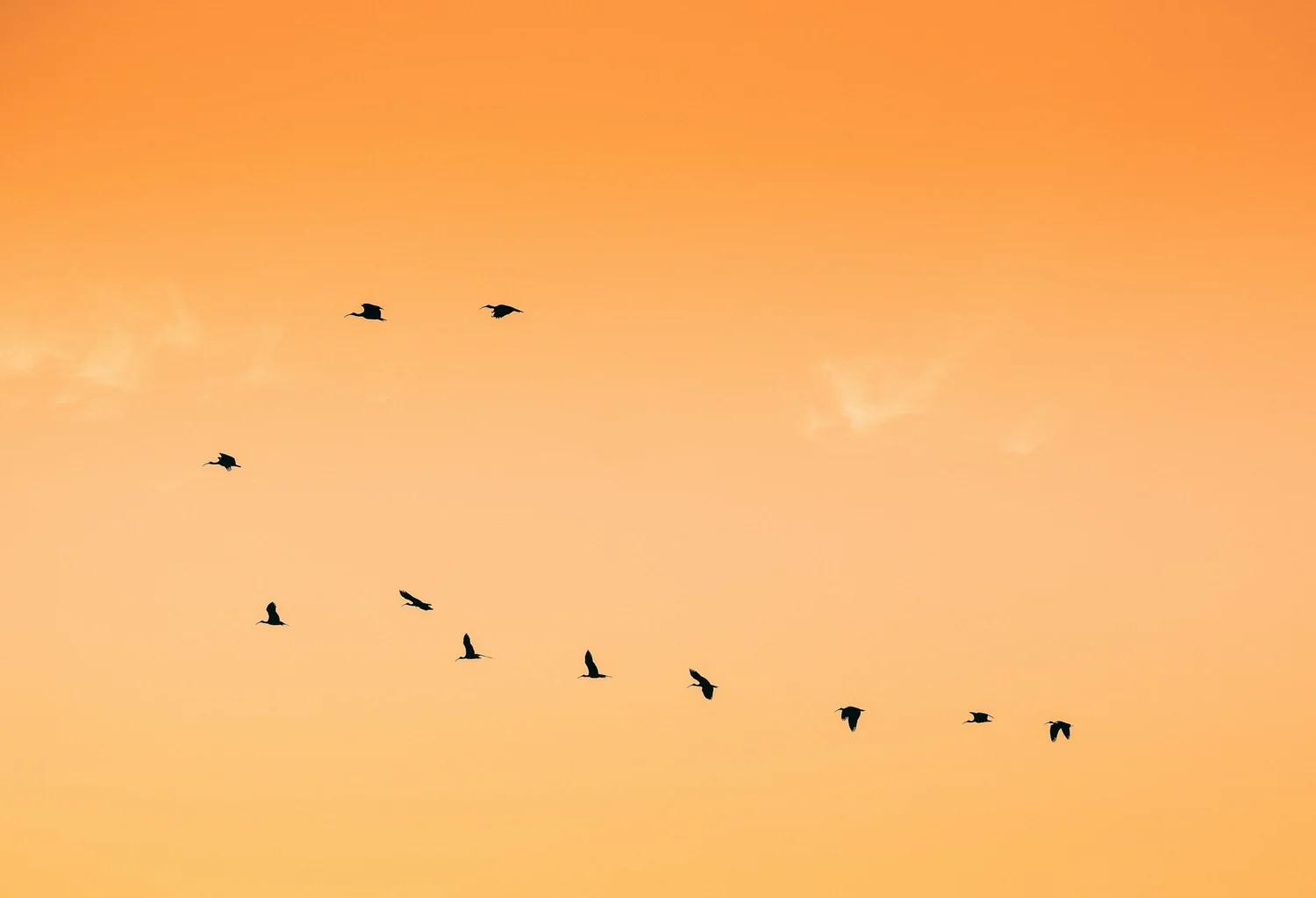
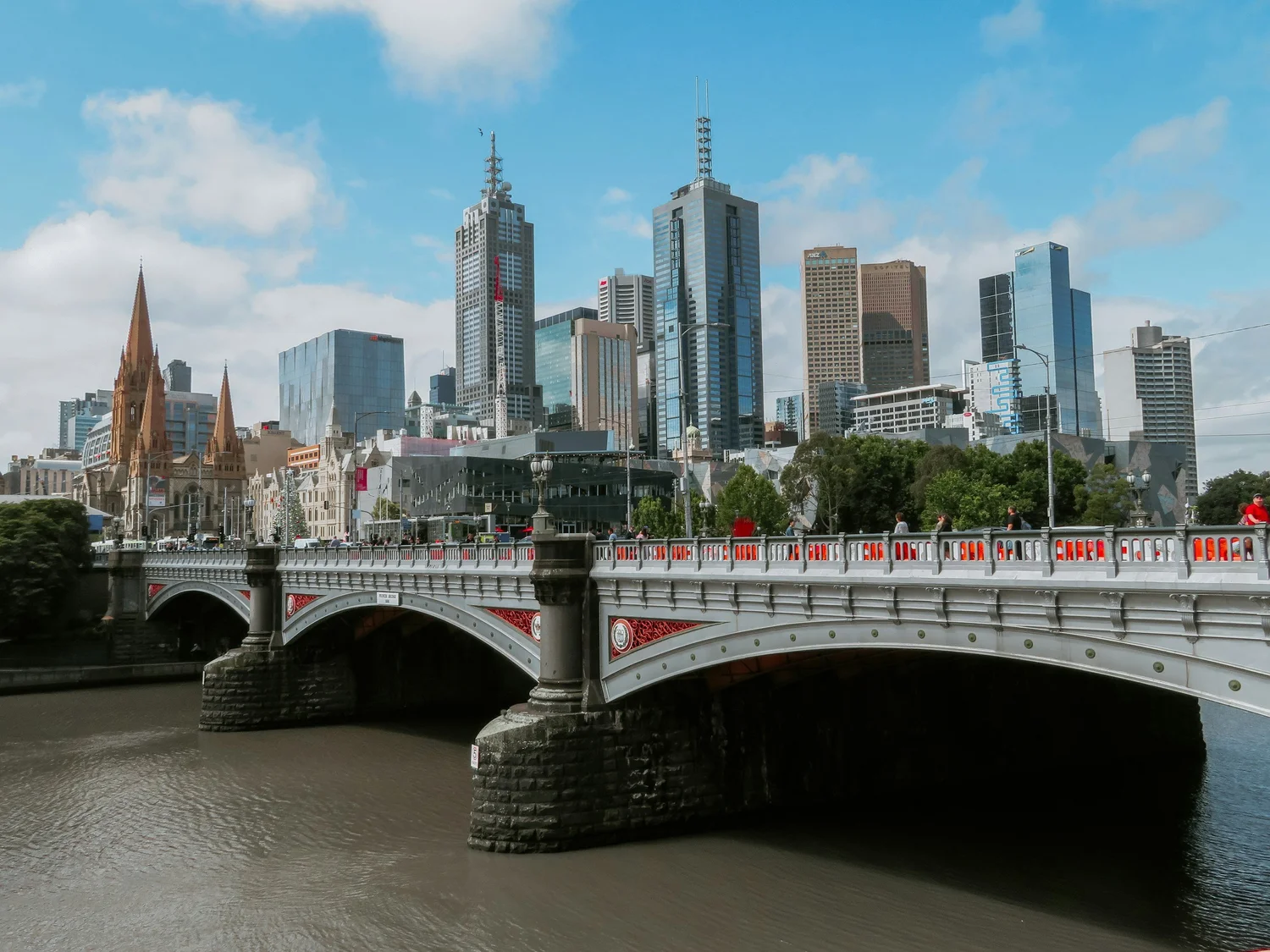
Accurate is not always right. Auto white balance tries to neutralise strong colour, which means it will sometimes drain the gold out of a sunset or the blue out of dusk. At golden hour, switch to the daylight preset and the warmth stays. At blue hour, around the Docklands waterfront or the Bolte Bridge, a setting near 4,000–4,500K deepens the blue of the sky against warm city lights. It is a big part of what the Docklands blue hour workshop teaches.
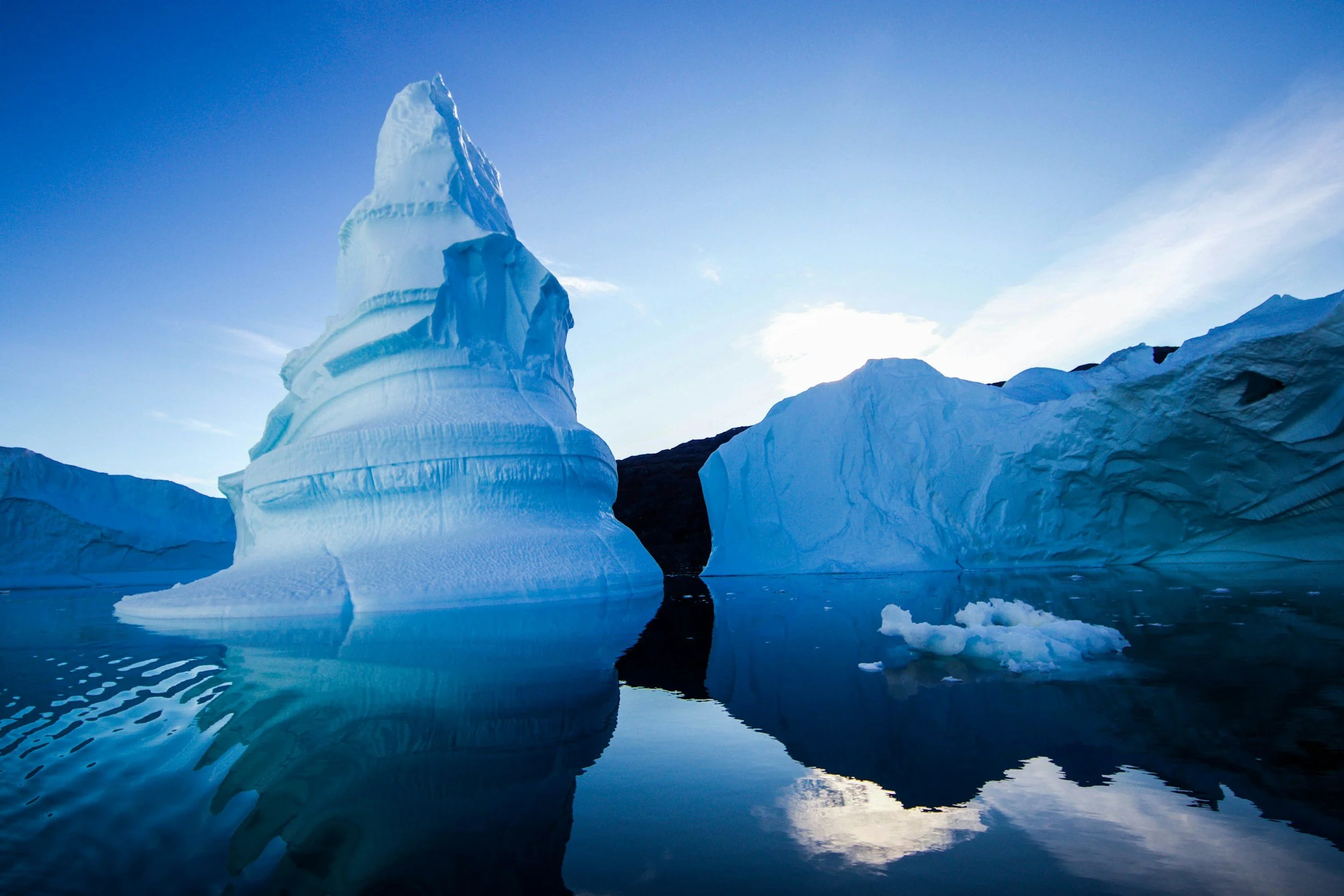
The same thinking applies to subject matter. An iceberg reads colder and more remote when its blues are allowed to stay blue. A lion at sunset looks warmer and more still when the light stays golden. Pushing either towards neutral would be technically accurate and emotionally wrong. Decide what the scene felt like, then set white balance to say that. If you want to understand this alongside exposure and focus from the ground up, the beginner photography workshop covers it in the first session.
Practise this
- Photograph a sheet of white paper at home in daylight by a window, under a lamp and in shade, using AWB each time. Compare the three and note which cast your camera leaves behind.
- At sunset, shoot the same scene on AWB, the daylight preset and 7,000K. Decide which is most honest and which you prefer.
- Set a custom white balance from a grey card or white paper under your kitchen lights, then photograph a meal with it and without it.
Questions, answered.
What is white balance in photography?
What kelvin should I use for white balance?
Why are my indoor photos orange?
Should I use auto white balance?
Published by CapturEDU, Melbourne photography education. Our educators are award-winning photographers with a Master of Arts in Photography (RMIT), AIPP and RPS membership.

