
How to photograph fireworks on New Year's Eve, camera or phone
Fireworks look easy to photograph and rarely are. The secret is a shutter that stays open for the whole burst, and a plan made well before midnight.
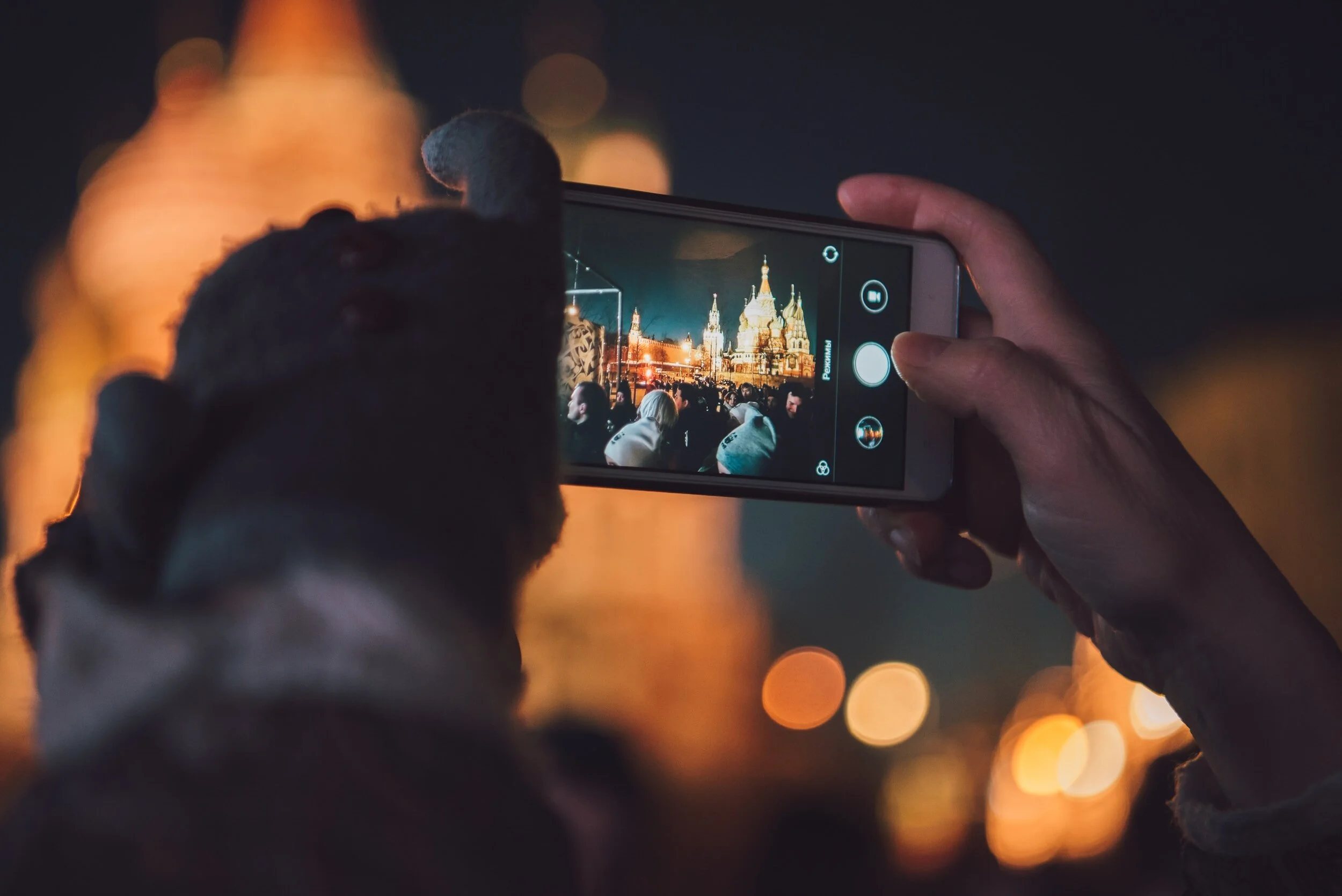
A single firework shell takes a few seconds to do its work. It climbs as a faint streak, bursts, spreads, then falls in slow, drooping trails before fading. Your eye stitches all of that into one memory. A phone on auto, firing at a fraction of a second, catches one sliver of it: a handful of bright dots, or a smear where the phone tried to brighten the dark and your hands moved.
The fix is to think about fireworks the way a camera needs you to. They are not a single moment. They are light drawing lines through time. Hold the shutter open for the whole burst and the lines appear.
Fireworks camera settings
These settings assume a camera on a tripod, or on something equally steady. They are a starting point; the brightness of each display varies.
| Setting | Starting point | Why |
|---|---|---|
| Mode | Manual (M), or Bulb | Auto modes see a dark sky and overexpose |
| ISO | 100 | Fireworks are bright; keeps skies clean |
| Aperture | f/8 to f/11 | Stops the bursts burning out, keeps the scene sharp |
| Shutter speed | 2 to 6 seconds | Long enough to draw full trails |
| Focus | Manual, set on the display distance | Autofocus hunts in the dark |
| White balance | Daylight, or shoot RAW | Keeps the colours of the shells true |
| Flash | Off | It will not reach the sky |
Treat aperture as your brightness control. If the bursts come out as blown-white blobs with no colour, close down to f/11 or f/13. If they look thin and faint, open up to f/5.6. Treat shutter speed as your shape control. At 2 seconds you get one clean burst. At 6 to 8 seconds, several shells layer over each other. Much longer and the frame fills with overlapping light and drifting smoke.

Bulb mode, with a remote release, gives the most control. Open the shutter as a shell launches, close it as the trails fade. It sounds fiddly and becomes rhythmic within a few minutes.
How to focus and frame fireworks
Autofocus does not work well on a black sky, and it will not be ready for a burst that has not happened yet. Set focus before the show.
Early in the evening, autofocus on something at roughly the same distance as the display: a lit building across the water, a distant bridge, a crane light. Then switch to manual focus and leave it. Some photographers put a small piece of tape across the focus ring so it cannot be knocked. Once the first shells go up, take a test frame, zoom in on the screen and check the trails are crisp lines, not soft ribbons.
For framing, include something on the ground. Fireworks alone against black sky look similar everywhere. Fireworks over the Melbourne skyline, reflected in the Yarra or in the water at Docklands, look like a particular night in a particular city. A focal length around 24 to 70 mm on a full-frame camera suits most displays; start wider than you think, because shells burst higher and wider than expected, and you can crop later.
Fireworks are not a single moment. They are light drawing lines through time.
Where to photograph fireworks in Melbourne on New Year's Eve
Melbourne's New Year's Eve displays have long been centred on the city, with the river and Docklands popular for viewing. Launch sites, times and viewing areas can change from year to year, so check the City of Melbourne's official information for the current program before you plan.

Look for three things when choosing a spot.
- Water. Around Docklands and along the Yarra near Birrarung Marr, still water can double the display with reflections and give the city lights a second life below the skyline.
- Wind. Smoke builds with every shell. If the breeze blows from the display towards you, the later bursts will be veiled in grey haze. Standing upwind, or across the wind, keeps the view clean for longer. Check the forecast wind direction that afternoon.
- Room. Popular vantage points fill hours before midnight. A tripod needs space, and a crowd may not give it to you. Event areas can also have rules about what you may bring, so check before carrying gear in. A compact tripod, or a small clamp for a railing where that is allowed, may be more practical.
Scout your spot in daylight in the days beforehand, or go on a quiet evening at dusk to see the skyline and plan the frame. Our guide to Melbourne photography locations covers both areas, and the Docklands blue hour workshop is good practice for exactly this kind of water-and-skyline frame.
How to photograph fireworks on an iPhone or Android phone
Phones can take good fireworks photos, but you have to stop them from being too clever. On most recent iPhones and Android phones, these steps help.
- Turn off the flash. It lights the back of the heads in front of you and nothing else.
- Brace the phone. Rest it on a railing, a wall or a small phone tripod. Hand-held, tuck your elbows into your body and breathe out as you shoot.
- Lock focus and exposure. Tap and hold on the first burst until the phone confirms the lock (on iPhones, the screen shows AE/AF Lock). Then drag the brightness slider down a little so the bursts keep their colour.
- Watch night mode. In a dark scene the phone may switch on a night mode that takes a longer exposure. That can blur moving sparks or overexpose them. If the results look messy, turn it off for the fireworks.
- Use burst or video. Shoot bursts through the peak of the display, or record video and pull still frames later.
- Try Live Photos on iPhone. A Live Photo can be switched to a long-exposure effect in the Photos app, which blends the frames into trails. Android phones vary; some include a long-exposure or motion mode.
If you want to go further on the phone you already carry, our smartphone photography workshop covers exposure control and low light in detail.

Mistakes that ruin fireworks photos
- Too much exposure. Shells are bright. White blobs mean close the aperture or shorten the shutter.
- Refocusing in the dark. Leave the camera in manual focus once set.
- A crooked horizon. Level the camera before the show, while you can still see the skyline.
- Waiting for the finale. The last minutes are the most smoke-filled. The first minutes often give the clearest frames.
- Watching the screen, not the sky. Take the shots, then look up. You are there for the night, too.
Practise this
- Before New Year's Eve, practise manual focus at night: focus on a distant lit building, switch to manual, and check the result at full magnification.
- Practise Bulb timing with car headlights on a quiet road: open the shutter as a car enters the frame and close it as it leaves.
- On the night, shoot the first ten bursts at 2, 4 and 6 seconds, check the screen, and settle on the setting you like before the smoke builds.
Questions, answered.
What are the best camera settings for fireworks?
How do you photograph fireworks on an iPhone?
Why are my fireworks photos blurry?
Should I use flash to photograph fireworks?
Published by CapturEDU, Melbourne photography education. Our educators are award-winning photographers with a Master of Arts in Photography (RMIT), AIPP and RPS membership.

